css
Map
Video Demo in Source Engine
robotics
19 Jan 2026
Video Demo in Source Engine
3D Preview
Controls: WASD to move, Mouse to look. Depending on map size, loading may take time.
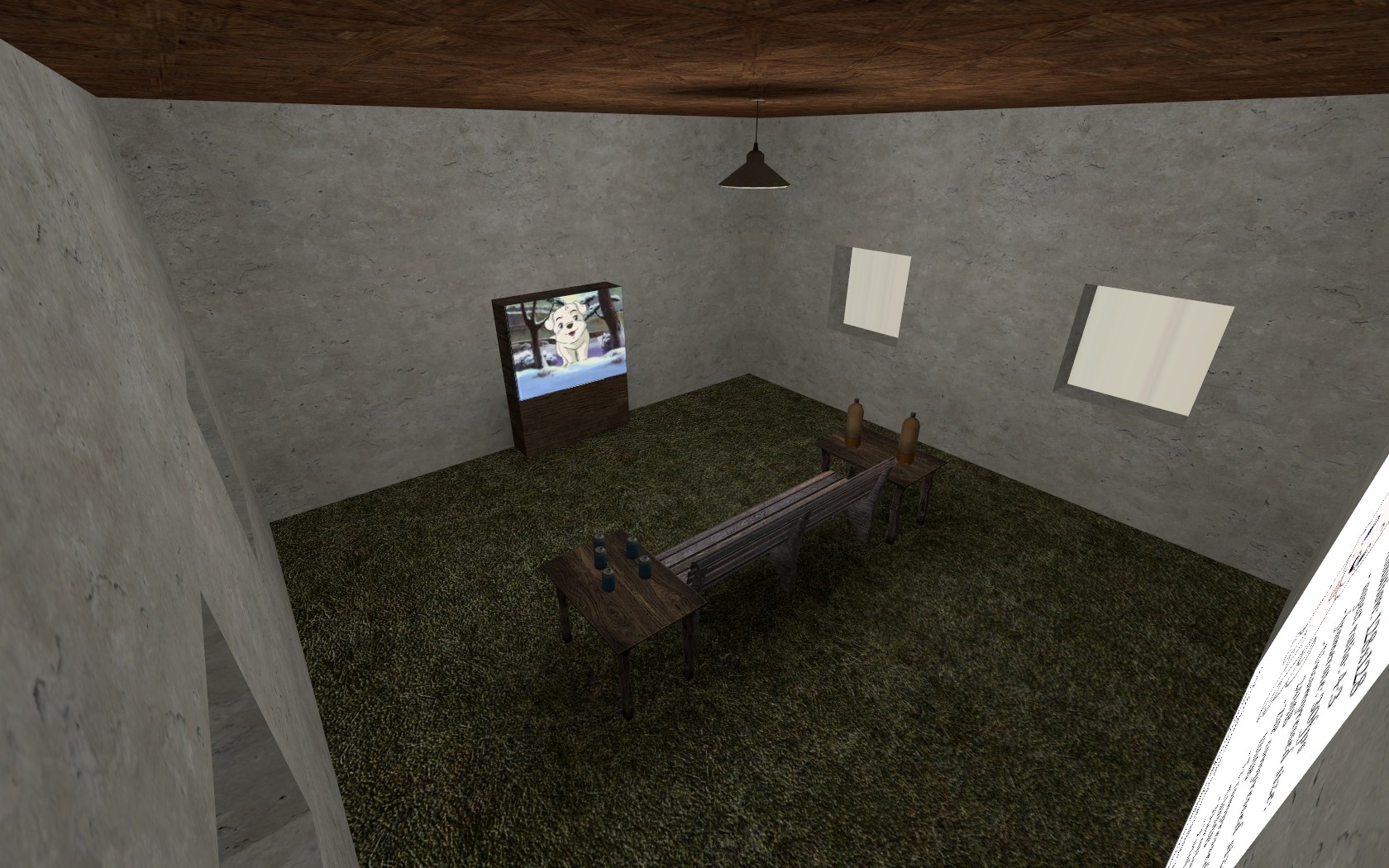
Description
Link to the video: [Click here...](http://youtu.be/kEiENuyb1v8 "")
Video Demo in Source Engine
==================
test_ video_ white_ heart_ baegku
-----------------------------
### nkp123/nkpkiller
### General
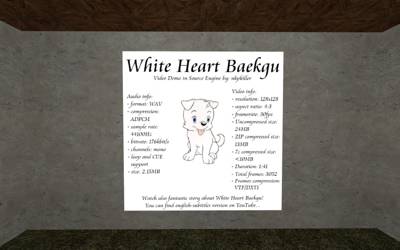
This is my own experiment - playing movies in map in Source Engine.
Audio quality is good - just ADPCM-compressed, 44KHz, Mono audio.
Video quality is acceptable for ingame purposes - 128x128 30FPS.
It is possible to increase resolution - tested up to 512x512, but note: 100 seconds of 128x128 (30FPS) movie takes 24MB - 256x256 will take 4 times more space! (and Source Engine has limitation of max texture filesize [100 second of 256x256 texture (also 30FPS) fails to load ingame].
It is also possible to compress compiled mapfile with video - according to type of compressed video (more dynamic, more static) you can achieve up to 50% ZIP compression (in my video it is 44%, compressed with 7zip it is about 60%).
### Where can you use idea of movie in map?
Generally as a short, looped video played in some nice screen.
### Technical summary:
- Audio: WAV ADPCM, 44KHz, Mono (176kbit/s)
- Video: VTF/DXT1, 128x128 (~2000kbit/s)
- Potentially additional audio compression according to format - WAV PCM: moderate; WAV ADPCM: low; MP3: very low.
- Potentially video compression according to type - the video is more static, the compression is better (but generally from 20% to 60%).
### How video player is done?
- First, you must create animate VTF file - you can convert existing video file to bitmap format (for example using FFmpeg) and then load it to VTFEdit. Then save it as DXT1 without mipmaps (they will increase texture size by about 40% !)
- Then you must create material file. Example file using 30FPS:
"MonitorScreen"
{
"$basetexture" "white_heart_baekgu_introgame_test\test_video"
"$surfaceprop" "Glass"
"Proxies"
{
"AnimatedTexture"
{
"animatedTextureVar" "$basetexture"
"animatedTextureFrameNumVar" "$frame"
"animatedTextureFrameRate" "30"
}
"MaterialModifyAnimated"
{
"animatedtexturevar" "$basetexture"
"animatedtextureframenumvar" "$frame"
"animatedtextureframerate" 30
}
}
}
"animatedtextureframerate" 30 - here you should define valid FPS value, but it can be also modified with output in Hammer.
NOTE: As far as I remember, in this case "AnimatedTexture" proxy is not needed, but I have forgotten to remove it.
- Then make in Hammer func_ brush (and name them) and one side of them change to our material file.
- Next, place material_ modify_ control, name it and make parented them to our brush.
- Change "material to modify" variable to our material location (with filename).
- Then place logic_ auto and add output: "OnMapSpawn" -> "StartAnimSequence" for our material_ modify_ control target with parameter: "0 -1 30 0". 0 means start frame; -1 means last frame (it can be any valid frame less than start value); 30 means FPS; 0 means don't loop.
- You can also place ambient_ generic and make them play music when round starts.
### Summary:
I hope I have explained everything... Have fun with experimenting!
Original source: https://gamebanana.com/mods/345
Note: This map was automatically uploaded by a bot.
video
player
source
engine
Final/Stable
File Details
Filename
test_video_white_heart_baegku.bsp
MD5 Hash
e4e7bdcdbc...
Path
/css/map/...
Comments (0)
Login to comment.